
Key Takeaways
- Auto-generated captions on platforms like Zoom and Microsoft Teams are widely used but often do not meet legal accessibility and compliance standards because they lack necessary accuracy, consistency, and security.
- Accessibility and legal requirements—such as the ADA, Section 508, and WCAG—require captions to be accurate, complete, timely, and understandable; failure can lead to complaints, audits, lawsuits, and discrimination claims.
- Common failure modes for auto-captions include low accuracy (far below the ~99% benchmark), errors from multiple speakers, accents, technical vocabulary, background noise, and poor audio quality, which create miscommunication and accessibility barriers—especially in sensitive or regulated discussions.
- Human review and professional captioning services are necessary for legal compliance: human captioners/editors provide contextual editing, speaker identification, proper punctuation, and quality assurance to achieve industry accuracy benchmarks (99%+).
- Responsibility is cross-functional—HR, compliance officers, and IT must coordinate to evaluate caption accuracy, integrate professional captioning, address data/security/retention concerns, and treat captioning compliance as a core accessibility requirement to avoid legal and reputational risk.
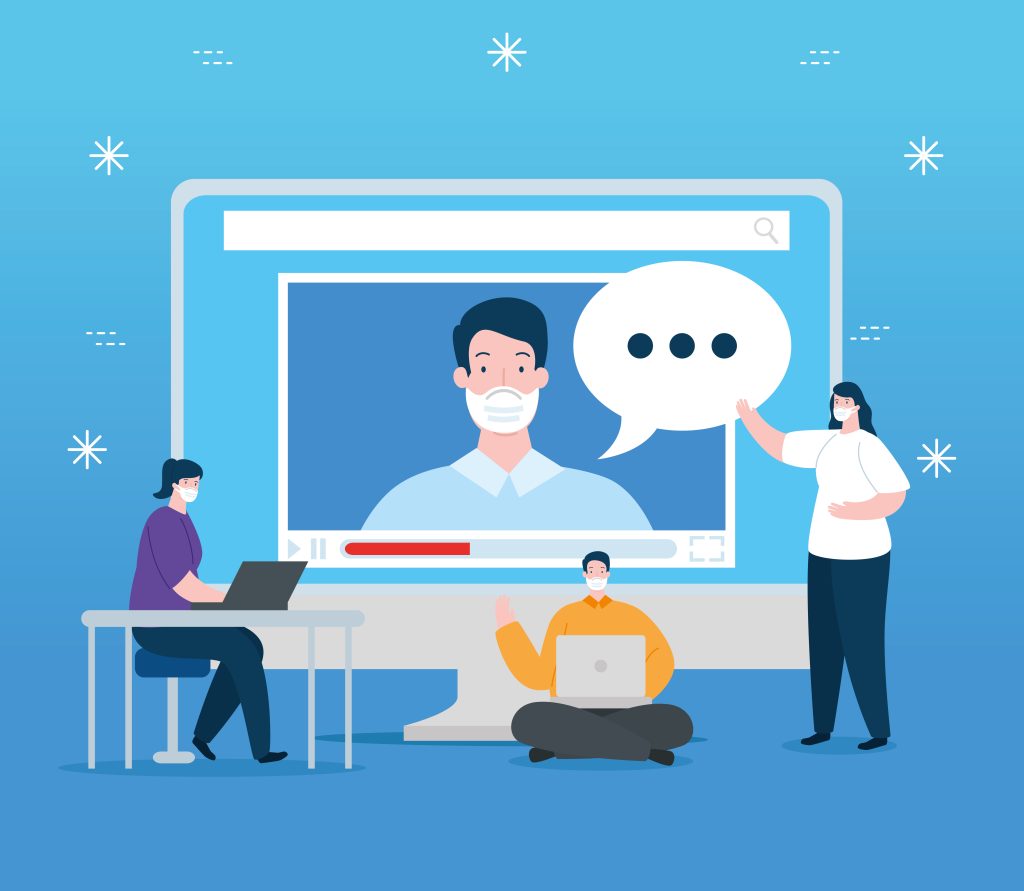
In today’s hybrid workplace, platforms like Zoom and Microsoft Teams have become essential for meetings, webinars, onboarding sessions, training, and internal communication. One feature that many organizations rely on is auto-generated captions. These AI-powered captions promise convenience, speed, and cost savings. However, many HR managers, compliance officers, and corporate IT teams are unaware that these captions often fail to meet legal accessibility and compliance requirements.
While auto-captioning technology has improved significantly, it still lacks the accuracy, consistency, and security standards required for legal compliance in professional environments. Organizations that depend solely on auto-generated captions may unintentionally expose themselves to legal risks, discrimination complaints, accessibility violations, and reputational damage. For companies seeking reliable solutions, captioning services in new york provide the professional standards needed for compliance.
This article explains why auto-generated captions on Zoom and Microsoft Teams are not legally compliant and what businesses should do instead.
Understanding Legal Captioning Compliance
Captioning compliance is not simply about displaying text on a screen. Accessibility laws require captions to be accurate, complete, timely, and understandable for individuals who are deaf or hard of hearing.
Several regulations govern caption accessibility in workplaces and digital communication environments:
Americans with Disabilities Act (ADA)
The ADA requires employers and public-facing organizations to provide equal access to communication for employees and participants with disabilities. Inaccessible meeting content may be considered discriminatory.
Section 508 Compliance
Federal agencies and organizations working with government contracts must ensure digital communication is accessible to individuals with disabilities, including accurate captioning.
WCAG (Web Content Accessibility Guidelines)
WCAG standards are widely adopted across industries and recommend captions with a high level of accuracy and synchronization.
Employment and Workplace Regulations
HR departments must ensure accessibility during:
- Employee onboarding
- Compliance training
- Performance reviews
- Internal town halls
- Corporate webinars
- Diversity and inclusion programs
Failure to provide compliant captions can result in complaints, audits, lawsuits, and employee dissatisfaction.
The Problem With Auto-Generated Captions
Zoom and Microsoft Teams both use artificial intelligence and speech recognition technology to generate captions automatically. Although these systems are helpful for casual communication, they are not designed to meet strict legal standards.
Here are the major compliance issues organizations face.
1. Inaccurate Transcription Results
The most significant issue with AI-generated captions is accuracy.
Legally compliant captions generally require an accuracy rate of around 99%. Auto-generated captions often perform far below this standard, especially in real-world business environments.
Common Causes of Caption Errors
- Multiple speakers talking simultaneously
- Strong regional accents
- Industry-specific terminology
- Technical vocabulary
- Background noise
- Poor microphone quality
- Fast-paced conversations
- Acronyms and abbreviations
For example, in HR or legal discussions, a single mistranscribed word can completely alter the meaning of a statement. In compliance training sessions, inaccurate captions may prevent employees from understanding critical instructions.
Even a small captioning mistake can create:
- Miscommunication
- Accessibility barriers
- Legal misunderstandings
- Documentation inconsistencies
Auto-caption systems are not reliable enough for sensitive corporate communication.
2. Auto-Captions Fail Accessibility Standards
Accessibility laws focus on meaningful access, not partial access.
If captions are difficult to understand, delayed, incomplete, or inaccurate, organizations may still be considered non-compliant even if captions technically exist.
Common Accessibility Failures
Auto-generated captions often:
- Skip words or phrases
- Misidentify speakers
- Produce delayed text
- Fail during technical discussions
- Ignore punctuation and sentence structure
- Misinterpret names and locations
For employees who rely on captions entirely, these errors create a frustrating and exclusionary experience.
Corporate HR departments should understand that “captions enabled” does not automatically equal “accessible communication.”
3. Lack of Human Review Creates Compliance Risks
Legally compliant captions typically require human oversight and quality assurance.
AI systems cannot:
- Verify context
- Correct industry terminology
- Understand intent
- Review sensitive content
- Ensure legal precision
Human captioners and editors play a critical role in:
- Correcting transcription errors
- Ensuring speaker identification
- Maintaining readability
- Verifying compliance standards
- Preserving contextual meaning
Without human review, organizations cannot guarantee caption reliability during important meetings or training sessions.
4. Sensitive Corporate Discussions Require Higher Accuracy
Corporate meetings often contain confidential or legally sensitive information.
Examples include:
- Employee disciplinary actions
- Diversity and inclusion discussions
- Financial disclosures
- Legal investigations
- Healthcare information
- Workplace harassment complaints
- Executive strategy meetings
Inaccurate captions during these discussions can create compliance complications and documentation disputes.
For example:
- A compliance instruction may be misunderstood
- An employee accommodation request may be mistranscribed
- Legal terminology may appear incorrect in records
- HR documentation may become inconsistent
For regulated industries such as healthcare, finance, education, and government contracting, these risks become even more serious.
5. Auto-Captions Do Not Meet Industry Accuracy Benchmarks
Professional captioning providers typically target:
- 99%+ accuracy
- Proper punctuation
- Speaker labeling
- Real-time synchronization
- Contextual editing
Auto-generated captions on Zoom and Teams often achieve significantly lower accuracy under normal business conditions.
Even technology companies themselves acknowledge limitations in AI captioning systems. These tools are intended as accessibility aids, not guaranteed legal compliance solutions.
Relying exclusively on auto-generated captions without verification can leave organizations vulnerable during audits or legal reviews.
Why HR Managers Should Be Concerned
HR departments are responsible for maintaining inclusive workplace communication.
When accessibility accommodations fail, HR teams may face:
- Employee complaints
- ADA accommodation disputes
- Discrimination claims
- Reduced employee trust
- Internal compliance failures
Employees who depend on captions need equal access to:
- Training sessions
- Team meetings
- Performance discussions
- Company announcements
- Benefits enrollment sessions
If captions are inaccurate, organizations may unintentionally deny equal participation opportunities.
Inclusive communication is no longer optional. It is a workplace compliance requirement that organizations must address with professional captioning services.
Why Compliance Officers Must Address Captioning Risks
Compliance officers are responsible for identifying operational vulnerabilities before they become legal problems.
Auto-generated captions create risk in several areas:
- Accessibility compliance
- Documentation accuracy
- Employee accommodation policies
- Regulatory audits
- Litigation preparedness
A company may believe it is compliant simply because captions are enabled, but regulators often evaluate the quality and effectiveness of those captions.
Poor accessibility practices can lead to:
- Financial penalties
- Legal settlements
- Public criticism
- Brand reputation damage
Organizations should treat captioning compliance with the same seriousness as cybersecurity or data protection policies.
Why Corporate IT Teams Play a Critical Role
Corporate IT teams are often tasked with implementing communication tools across the organization.
While Zoom and Teams provide convenient captioning features, IT leaders should recognize their limitations.
IT departments should evaluate:
- Caption accuracy levels
- Accessibility compliance standards
- Integration with professional captioning providers
- Data security requirements
- Recording retention policies
- Human review workflows
Accessibility should be built into the organization’s communication infrastructure, not treated as an optional feature.
IT teams should work closely with HR and compliance departments to ensure meeting accessibility standards are consistently met, especially when considering professional offline captioning solutions for sensitive corporate communications.